
Vansky Antennas Catalog
Vansky cuts the cord on expensive cable bills by delivering crystal-clear 4K and 1080p high-definition local channels directly to your home. Whether you need a sleek indoor solution like the 250-mile range VS-TX01 or a heavy-duty outdoor model with 360-degree motorized rotation, these antennas maximize signal strength through advanced amplification technology. You can effortlessly pull in major networks like ABC, CBS, NBC, and FOX using user-friendly designs that prioritize easy installation and long-range reception.
Top Vansky Antennas
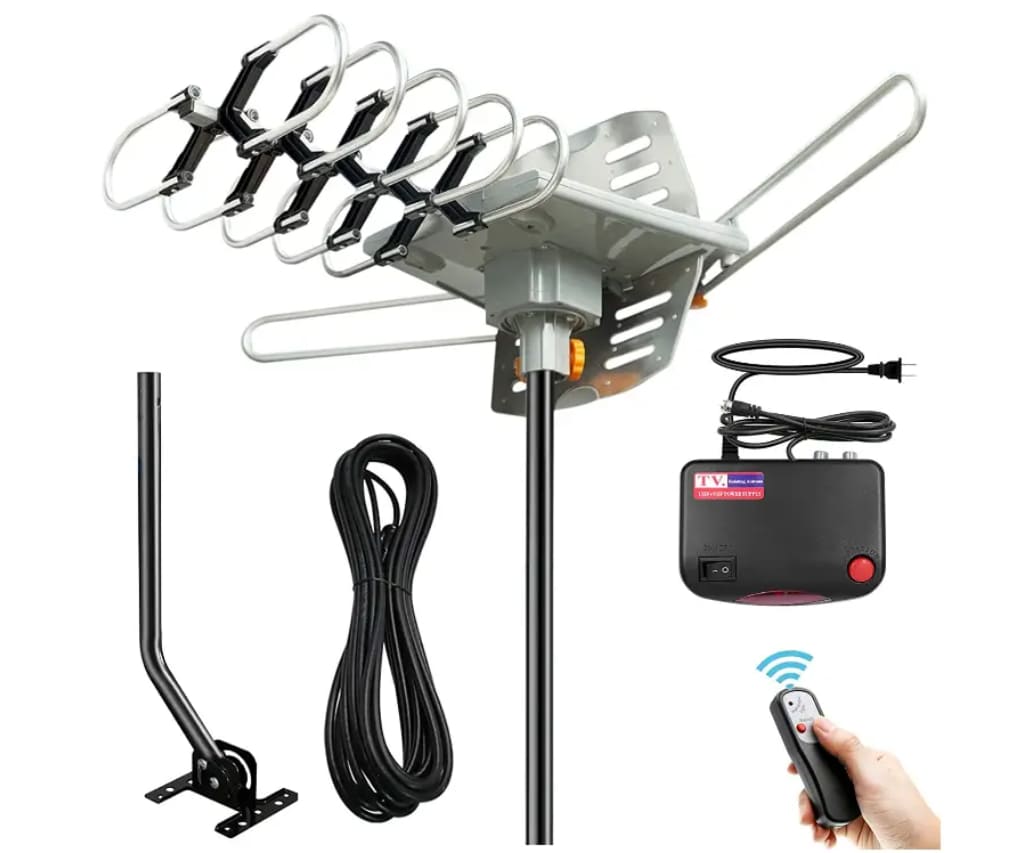
Vansky OD102 Outdoor HDTV Antenna
This heavy-duty outdoor model features a 250-mile range and a built-in 360-degree motorized rotor that allows you to optimize signal reception via a wireless remote.
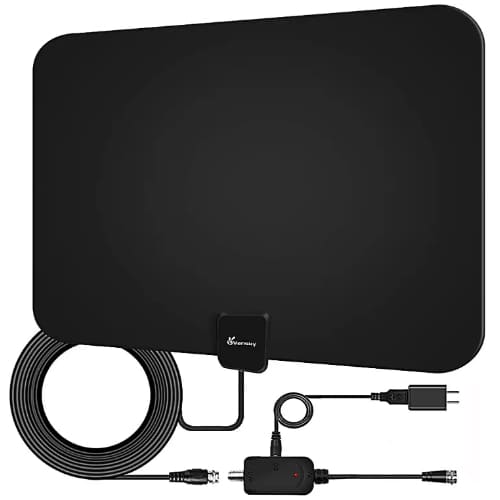
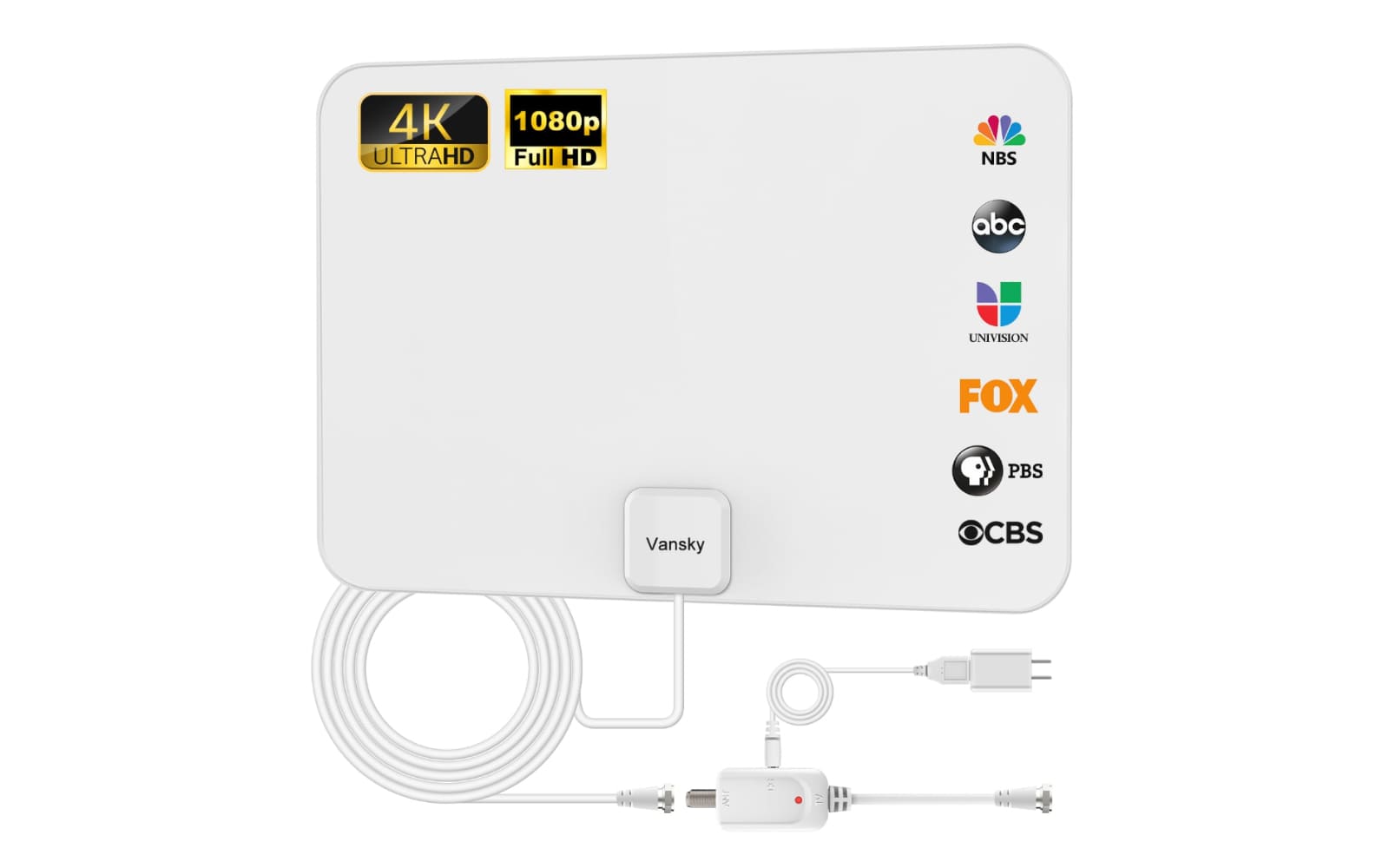
Vansky VS-TX01 Indoor HDTV Antenna
Designed for sleek, indoor use, this popular amplified antenna offers a 250-mile range and a detachable signal booster to pull in crystal-clear 1080p local channels.
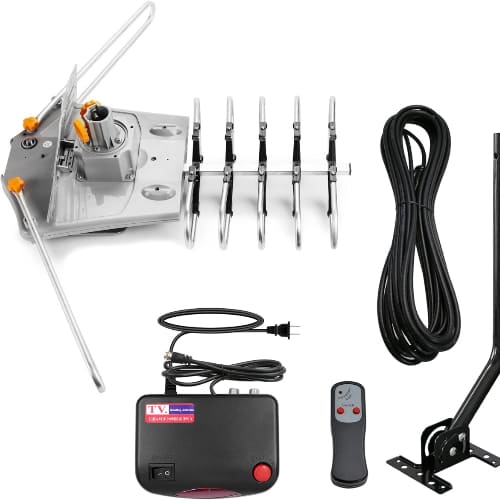
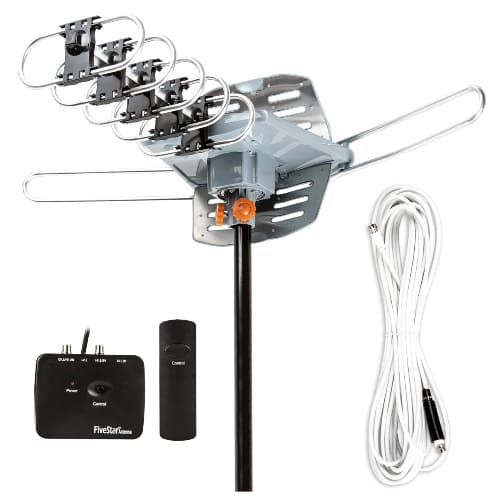
Vansky VS-OTX01 Motorized Outdoor Antenna
This versatile outdoor unit supports two televisions simultaneously without a splitter and includes a 32.8-foot coaxial cable for flexible roof or attic installation.
Vansky Antennas provides a reliable and cost-effective way to bypass expensive cable bills while maintaining access to high-definition local broadcasting.
Outdoor HDTV Antennas
Experience unmatched signal stability and long-range performance designed to withstand the elements. This category focuses on high-gain, weather-resistant units like the 250-mile range models that feature 360-degree motorized rotation and support for multiple televisions simultaneously.
Indoor HDTV Antennas
Bring crystal-clear digital reception into your living space with sleek, low-profile designs that blend into your home decor. Vansky’s indoor selection features amplified technology and flexible mounting options, such as the VS-TX01, which specializes in capturing UHF and VHF signals from up to 250 miles away.
Customer Experiences
Robert Henderson After moving to a more rural area about 45 miles from the nearest city, I was worried I’d have to pay for a premium satellite subscription just to see the morning news. I installed the Vansky 250-mile outdoor antenna on my old satellite mount, and the results were immediate. I’m now pulling in 42 channels, including ABC and FOX, in perfect 1080p quality without any stuttering, even during a recent heavy rainstorm. The motorized rotation is a lifesaver because I can fine-tune the direction from my couch using the remote.
Sarah Jenkins I live in a second-floor apartment and wasn’t allowed to mount anything on the roof, so I decided to try the Vansky VS-TX01 indoor model. I was skeptical about the “250-mile” claim, but after sticking it to my window and running a channel scan, I was shocked to find 35 crystal-clear local stations. The setup took less than ten minutes, and the detachable amplifier really made a difference in stabilizing the signal for NBC, which was originally coming in a bit pixelated. It’s thin enough to be hidden behind my curtain, making it a perfect cord-cutting solution for my small space.
Michael Thorne As someone who isn’t very tech-savvy, I was nervous about the “manual installation” part of switching to an antenna, but Vansky made it surprisingly simple. I purchased the amplified outdoor model to feed two different TVs in my house, and the included 33ft coaxial cable was plenty long enough to reach my basement setup. The picture quality on my 4K TV is actually better than what I was getting through my old cable box because there’s no signal compression. I did have to rescan the channels a few times to find the “sweet spot” for the antenna’s direction, but once locked in, it hasn’t dropped the signal once.
Vansky FAQ
How do I find out which channels are available in my area before buying?
Before purchasing, it is highly recommended to visit a site like AntennaWeb.org or DTV.gov/maps. By entering your zip code, you can see a map of local broadcast towers, their distance from your home, and whether they broadcast in UHF or VHF. This helps you decide if you need a 60-mile indoor model or a 250-mile outdoor unit.
Do I really need to use the included amplifier?
It depends on your distance from the towers. If you live within 20 miles of a broadcast tower, the signal might be too strong, and an amplifier can actually “overdrive” the tuner, causing a loss of channels or pixelation. Try scanning for channels both with and without the amplifier to see which configuration yields the best results.
How do I use the wireless remote to rotate the outdoor antenna?
For motorized models like the VS-OTX01, the rotation is controlled via the wireless remote pointed at the power supply box (the small box inside your house connected to the TV). You press the button to spin the antenna 360 degrees. It is best to have one person watch the TV signal strength meter in the settings menu while another person rotates the antenna to find the peak signal position.
Can I connect a Vansky antenna to more than one TV?
Yes, many Vansky outdoor models feature dual outputs on the control box, allowing you to connect two TVs directly without needing an external splitter. If you have an indoor model, you can still use a standard coaxial splitter, though you may need a distribution amplifier to prevent signal loss if the cable runs are very long.
Why did I lose channels that I used to receive perfectly?
Digital TV signals can be affected by changes in the environment, such as new construction, leaf growth on trees, or even atmospheric conditions. Additionally, stations occasionally change their broadcast frequencies. Whenever you notice a missing channel, the first step should always be to perform a “New Channel Scan” or “Auto-program” in your TV’s settings menu.
Is the outdoor antenna safe to use during a thunderstorm?
Vansky outdoor antennas are designed with weather-resistant materials and often include lightning protection features. However, for maximum safety, it is always best to ensure the mounting pole is properly grounded according to local electrical codes. In the event of an extreme electrical storm, some users prefer to temporarily disconnect the coaxial cable from the back of the TV.
